
בסייעתא דשמיא
Give them
something to take.
A sponsorship campaign turns giving into choosing. You list the items, a donor picks one, and the page shows who took what, live. A table at the dinner, a brick in the wall, a classroom, the Aron Kodesh.
Part of Pledgix One and upYou set it up yourself, in Design
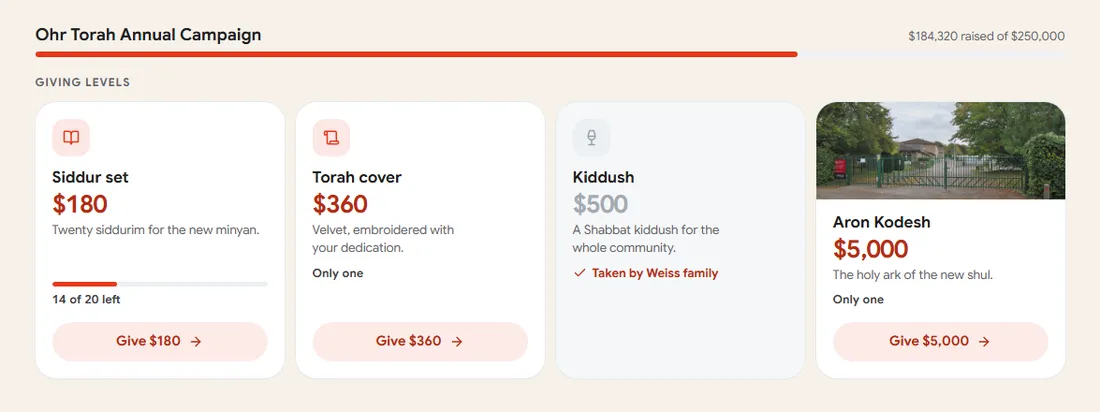
What can donors sponsor?
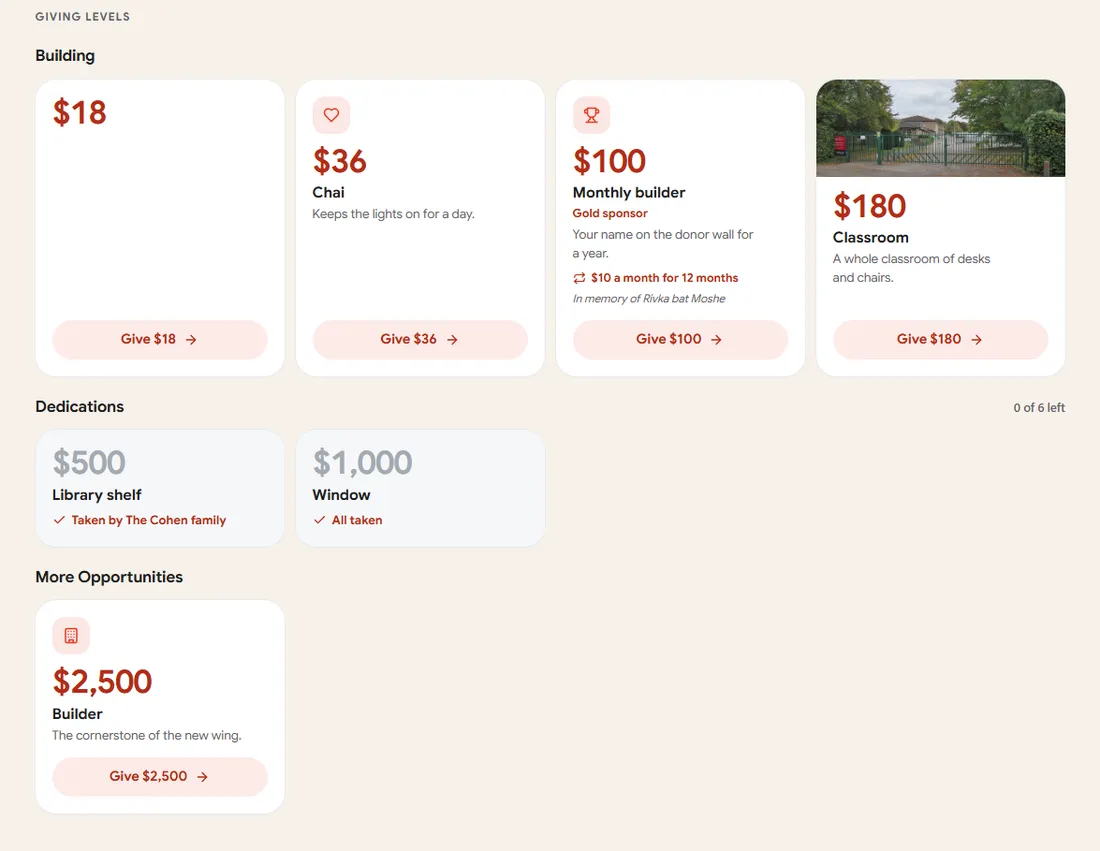
Anything with a name and a price. Give it a picture, put it in a group, say how many there are and how many one donor may take.
Sample items. Yours can be anything: a page in a book, a bed in the ward, a tree, a scholarship.
Items beside any amount, or items only.
One switch in your campaign’s settings decides how the items and the amounts live together.
Open donations
Donors give any amount. The items are suggestions beside the amounts.
Items and custom amounts
The page leads with your items. A donor can still give any amount.
Items only
Every gift takes an item at its exact price. Nothing else, not even by phone.
Pick a look. The items do the rest.
Your items show in the look you choose for your giving levels. Each one says how many are left and who took it. A donor taps, the giving window opens at the item’s price, and the count of items they take is theirs to set, up to the limit you chose.
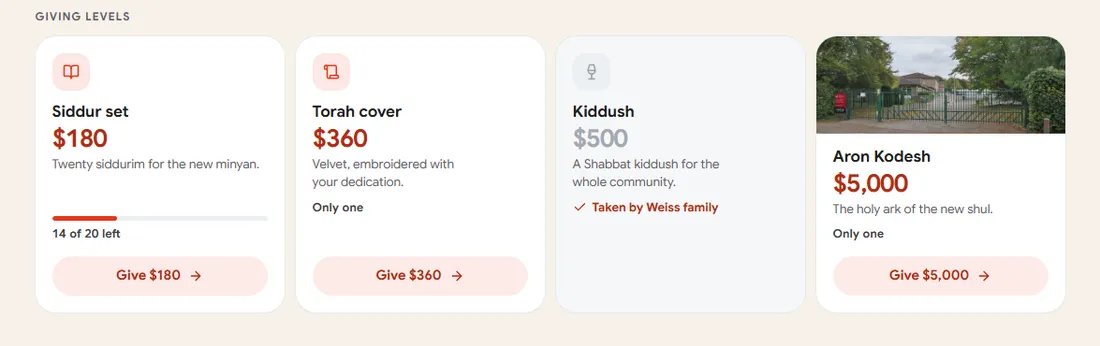
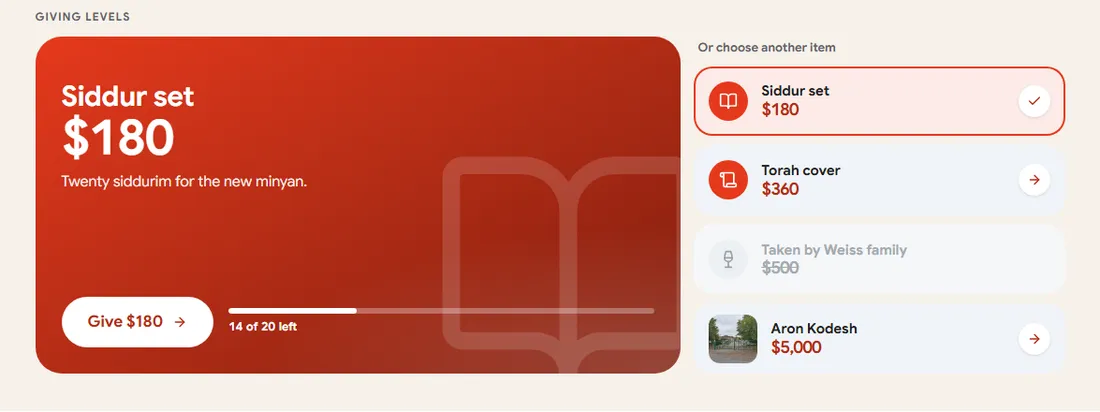
- “Taken by the Weiss Family” on a fully taken item, if you switch names on. Never for anonymous donors.
- The gift list says the item: “Sarah Klein gave $360 · A Siddur set ×2”.
- A taken item flips on every open phone at once.
Nobody takes the last item twice.
Two donors tap the same last brick at the same moment. One gets it. The other is told before any card is charged. A declined or refunded gift gives the item back.
- A gift holds its item only once the payment lands.
- A manager can give an item by hand, for a check or a pledge.
- The receipt email carries a sponsorship certificate, as a PDF.
The Weiss Family
The Aron Kodesh
New Beis Medrash · 5787
Add an item donors can sponsor.
That is the button, in Design under Giving levels. Fill in the name and the price, say how many, add a picture. The rest is optional.
You switch it on yourself.
No request, no waiting. A sponsorship campaign is a setting on any Pledgix One or Pro campaign.
Start a sponsorship campaign
Start a campaign, add your items, choose the mode. Need a hand with a long list? Tell us.
Giving levels and sponsorship items are part of Pledgix One and up. Pledgix Go keeps open amounts.
Things people ask.
Can two donors take the same last item?
No. The page checks and claims the item in one step, so the second donor is told it is gone before any card is charged.
Can a donor take more than one?
Yes, up to the limit you set per order. The giving window has a count, and the amount follows: the price times the count.
What does the donor get?
The receipt, as always, with a sponsorship certificate as a PDF when the gift is not anonymous. You can download the certificate for any gift under “Who took it”.
Can I hide an item without deleting it?
Yes. A hidden item never shows on the page and keeps its history. Show it again any time.
Which plan do I need?
Giving levels and sponsorship items are part of Pledgix One, Pro and Political. Pledgix Go campaigns take open amounts only.
Can people give by phone on an items-only campaign?
No. Items only means every gift takes an item on the page. Choose “items and custom amounts” if you want the phone line too.